1. Choose the right family tree template
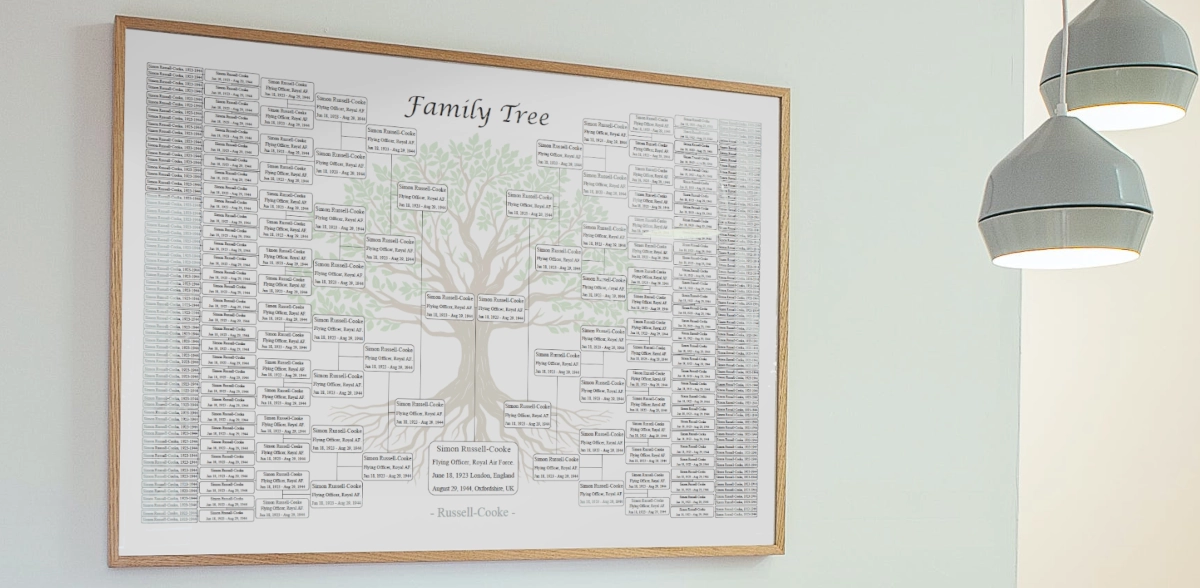
Start by selecting a template that matches both your family depth and your final display goal. The original example uses an 8 generation family tree, which works well when you want a detailed ancestry view without losing overall structure.
2. Open the editable PDF in a compatible reader
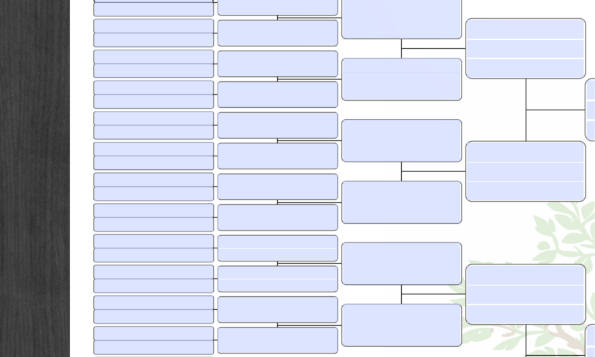
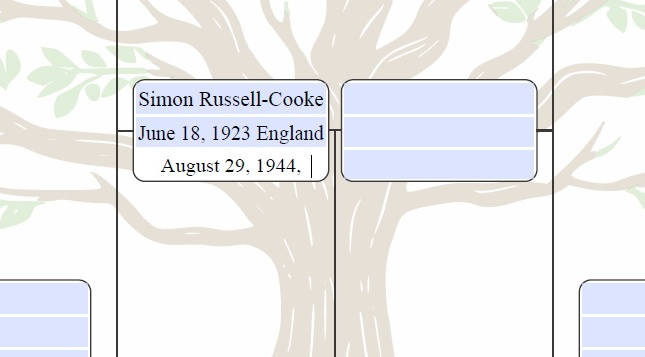
Use a PDF reader that supports form editing, such as Adobe Acrobat Reader. Editable fields let you type names, dates, occupations, and other important family details directly into the template.
3. Add family information carefully
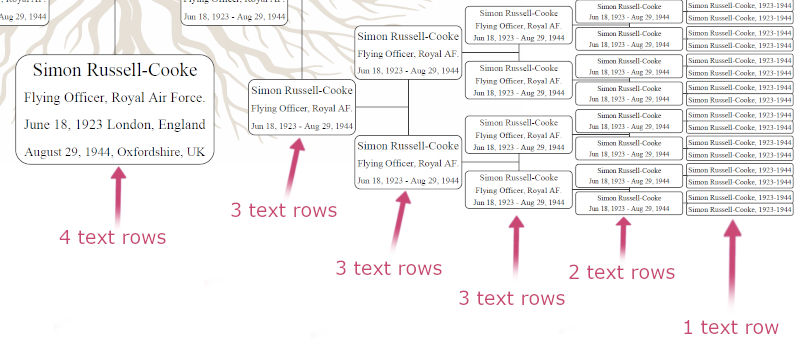
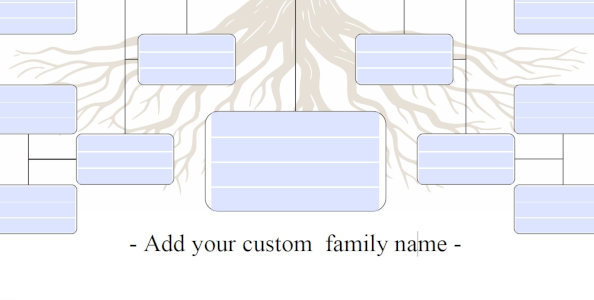
Fill in the blue editable fields one section at a time. Keep formatting consistent so the final result stays clean and readable. This also makes the chart much easier to print and frame later.
4. Personalize the family title
Add your family name in the dedicated title field so the final chart reflects your own lineage rather than looking like a generic example.
5. Save versions while you work
Save draft versions as you go using clear file names such as my_family_tree_v1, v2, and v3. This protects your progress and makes it easier to recover if you need to go back.
6. Print at a size that preserves readability
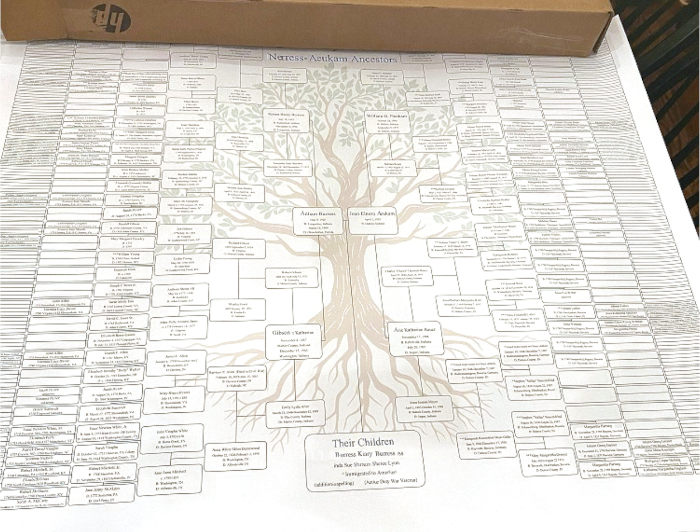
For deeper family trees, larger print sizes usually work best. The source example recommends US Poster size 24 x 36 inches for the 8 generation version, giving the chart enough room to stay legible.
7. Update the chart over time
One of the strongest benefits of an editable family tree template is that it can grow with your research. As you discover more names and details, you can revise the PDF instead of starting over.